Quick Notes on the Notion API
2023-10-03
Auto translated into English by AI.
Preface
Notion API
Start building with the Notion API
Different languages have different Notion API libraries. This article only records the concepts.
Basic concepts
An id is an important identifier that every Notion object has. You need the id to retrieve data, and you can also use it when saving data to avoid duplicate filenames.
-
Database: A database
-
Page: An article
-
Block: The basic unit of an article's content
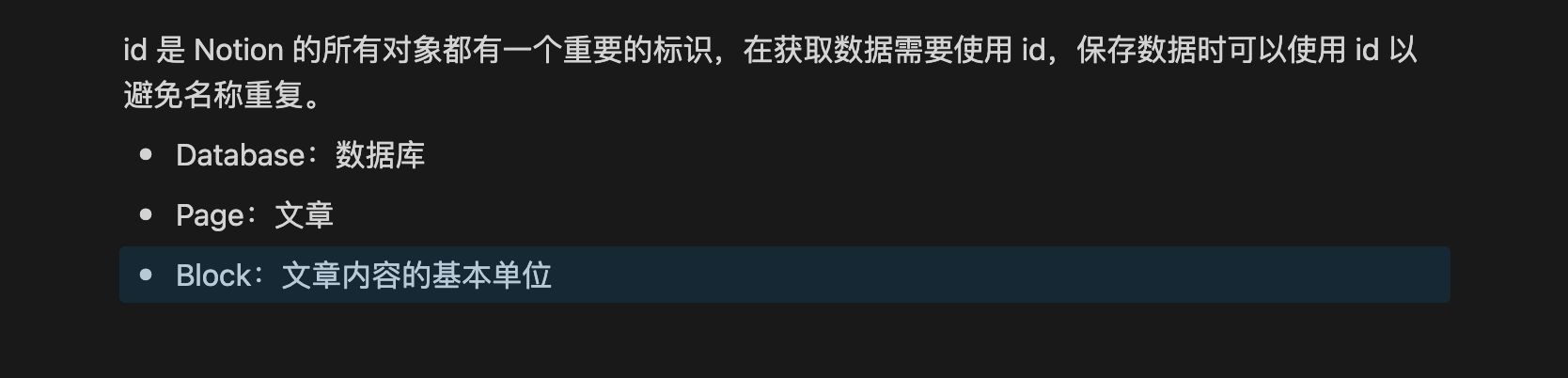
Dragging to select a block highlights it
Below, text marked with # indicates keywords you can search for in the Notion API.
Getting Database content
To get a database's contents, use #Query database. The returned result includes all pages in the database.
Getting Page content
An article's content is itself a block, and its contents are that block's child blocks.
An article's id is the same as its root block's id, so recursively fetching child blocks with #Retrieve block children is enough to get all of an article's content.
Remember that #Retrieve block children only retrieves information about a block's child blocks. We also need #Retrieve block to get information about the block itself.
An easy-to-miss detail
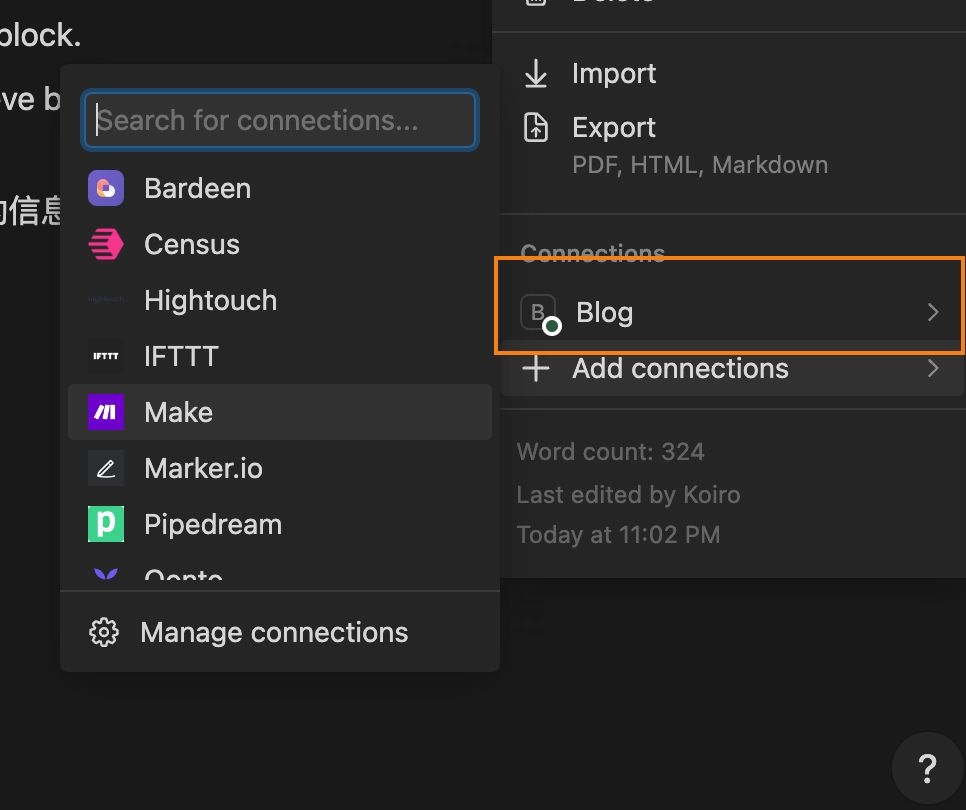
After creating a token (Integration), we also need to add the corresponding Integration under connections in the ellipsis menu at the top right of a database or article. This gives the Integration permission to read or modify that database and its articles.