The Editor Tools in A Monster's Expedition | Notes from ThinkyCon 2024
2024-04-05
Auto translated into English by AI.
These are notes on the part of ThinkyCon 2024 about the editor in A Monster's Expedition. The speaker for this part was Alan Hazelden, referred to below as Alan.
ThinkyCon 2024 video
PuzzleScript
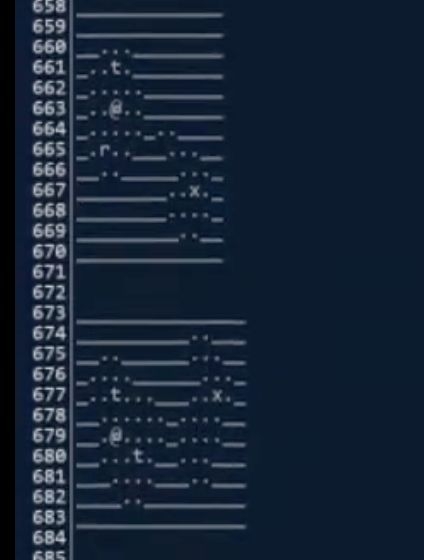
The developers first made a game prototype in PuzzleScript and used it to prototype levels.
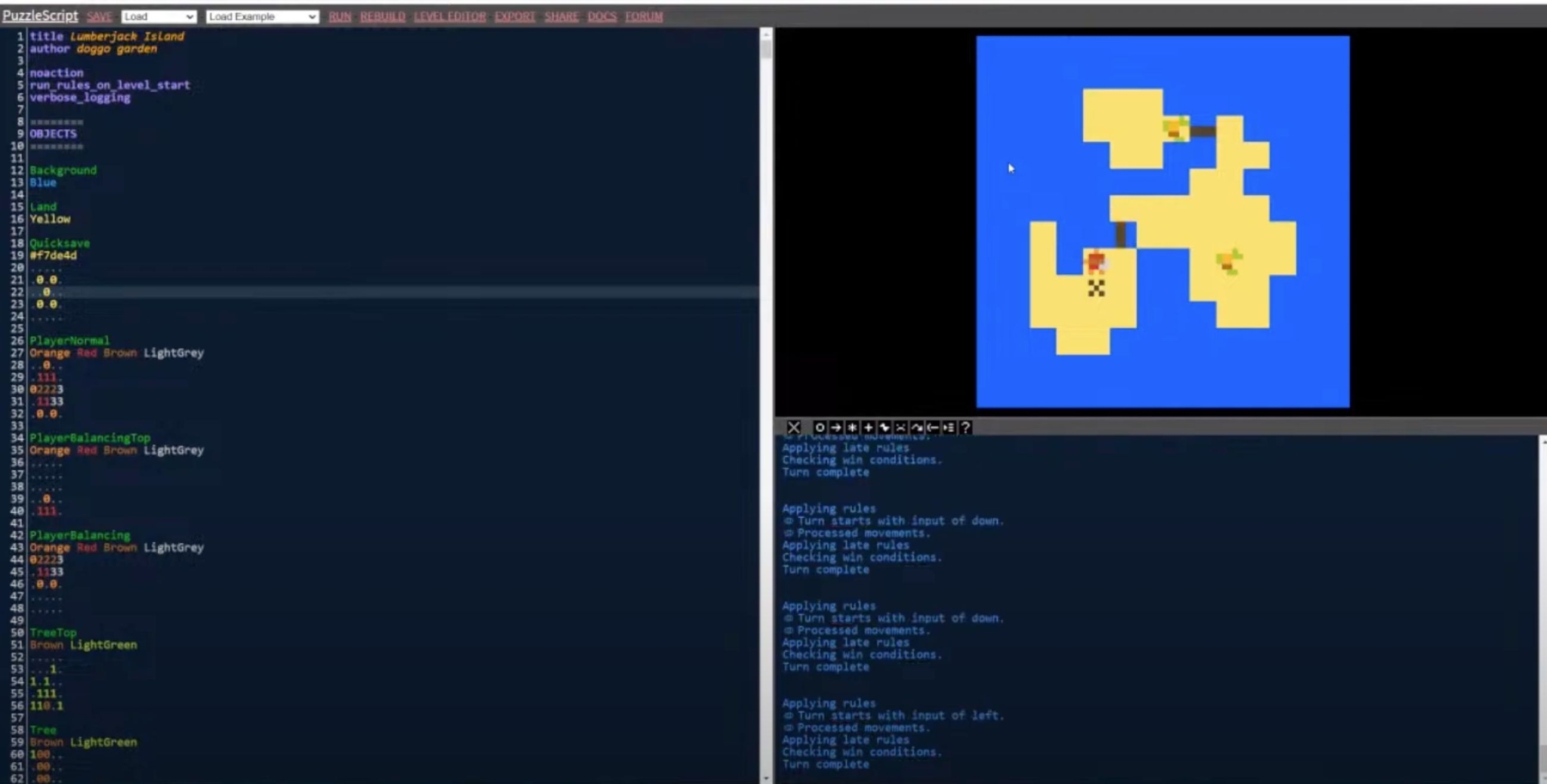
Levels are represented by characters, and clicking one loads it.
Unity
Editing
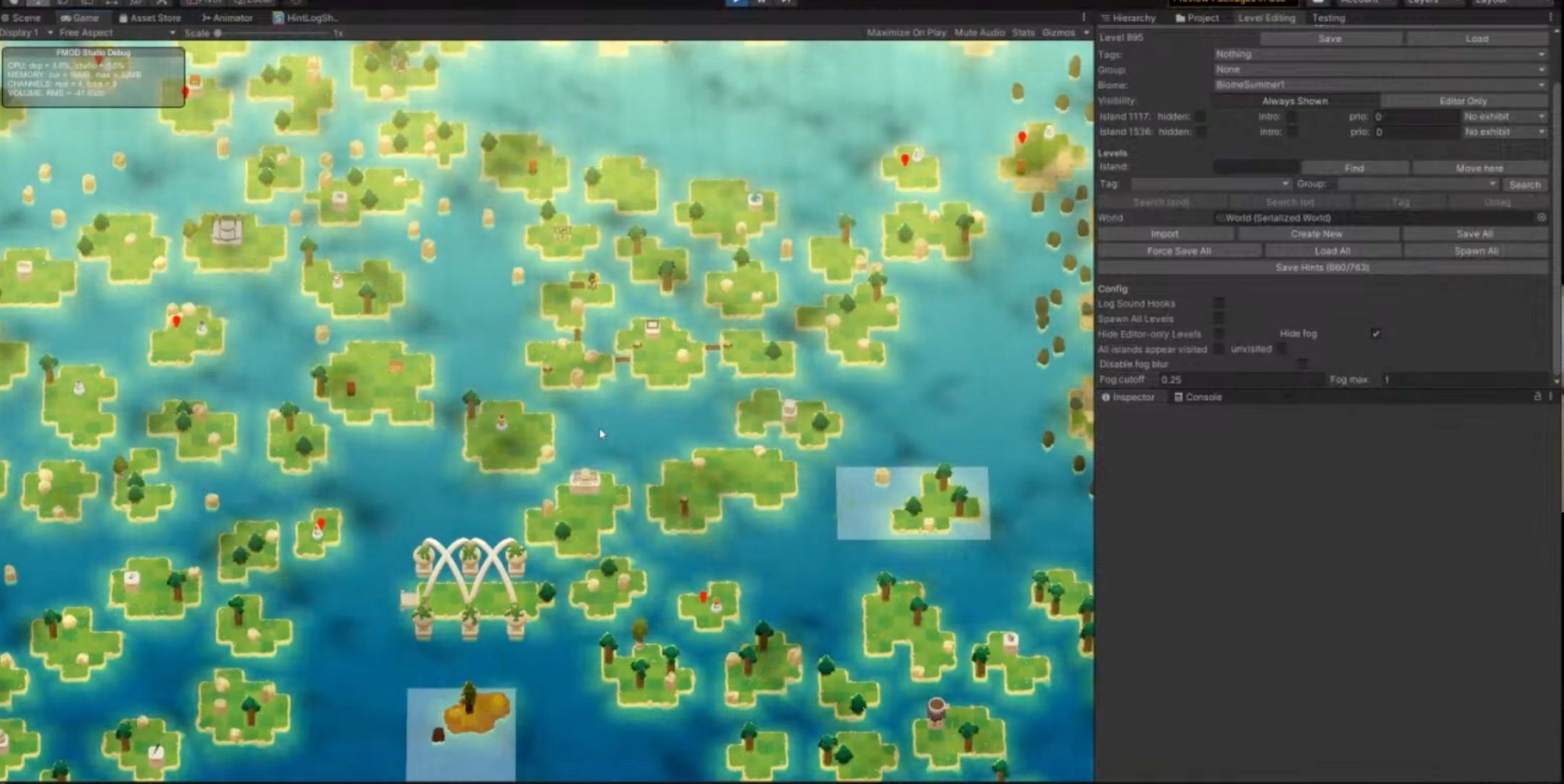
The developers implemented a set of runtime level-editing tools that can detect the level the player is in and operate on it. For example, you can enter edit mode, select a block's position, and drag it to modify the level. Every level has its own number, which developers can use to look it up. Hovering the mouse over a level shows its name and number.
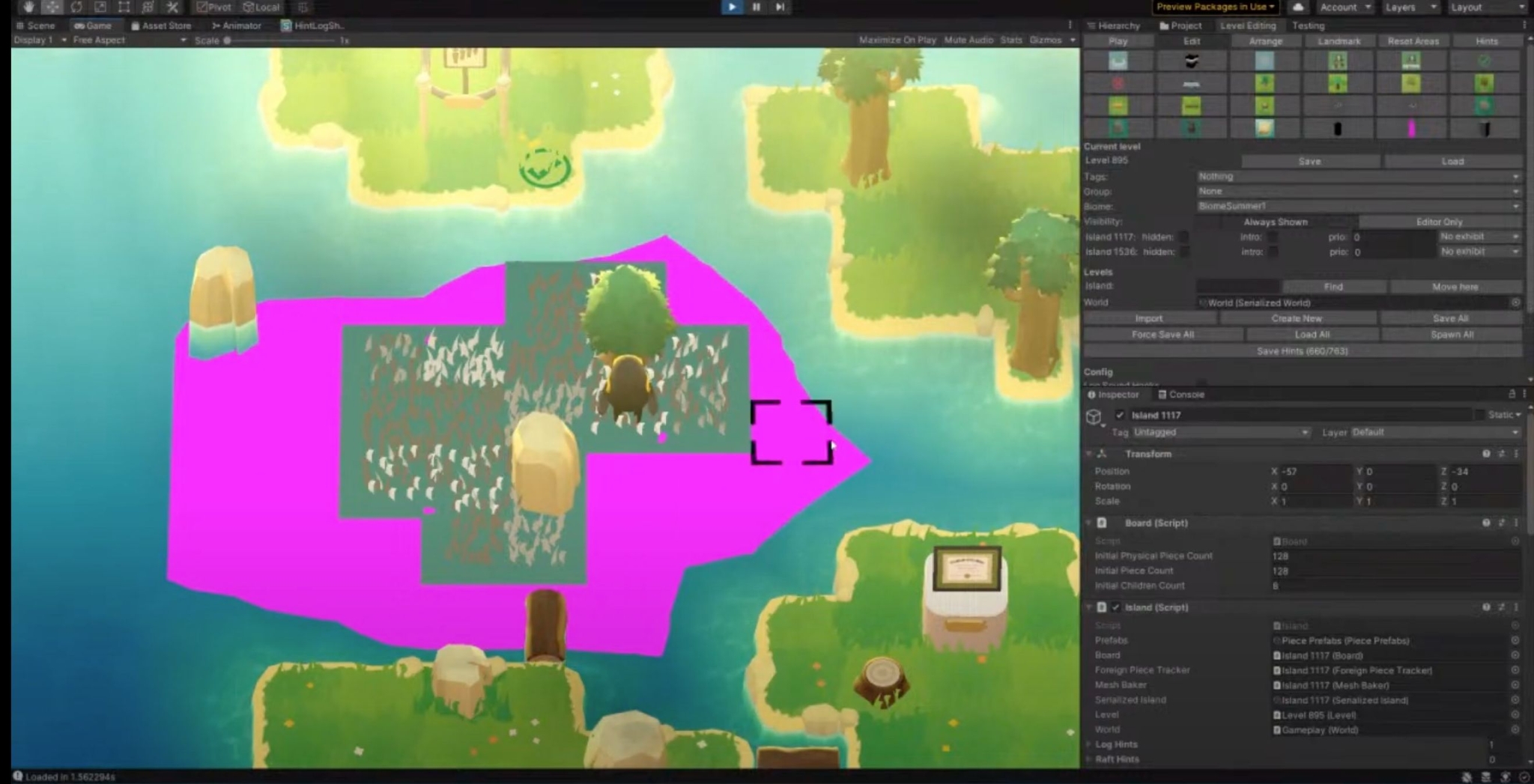
Edit mode
Alan said that editing levels at runtime offers an important feature: it avoids wasting time on the cycle of "change the level → run the game again → test the level."
Their editing tools have these modes:
-
Play: play mode
-
Edit: edit a particular level
-
Arrange: freely move and zoom the camera; double-click a level to enter it and switch to Play mode. You can also freely drag levels (islands) around.
-
Landmark: manipulate landmark objects that aren't part of the level content
They also provide Editor-only Levels: levels that exist only in the editor. These sit on the same large map as regular levels and are marked with white boxes. They can be shown or hidden in the editor.
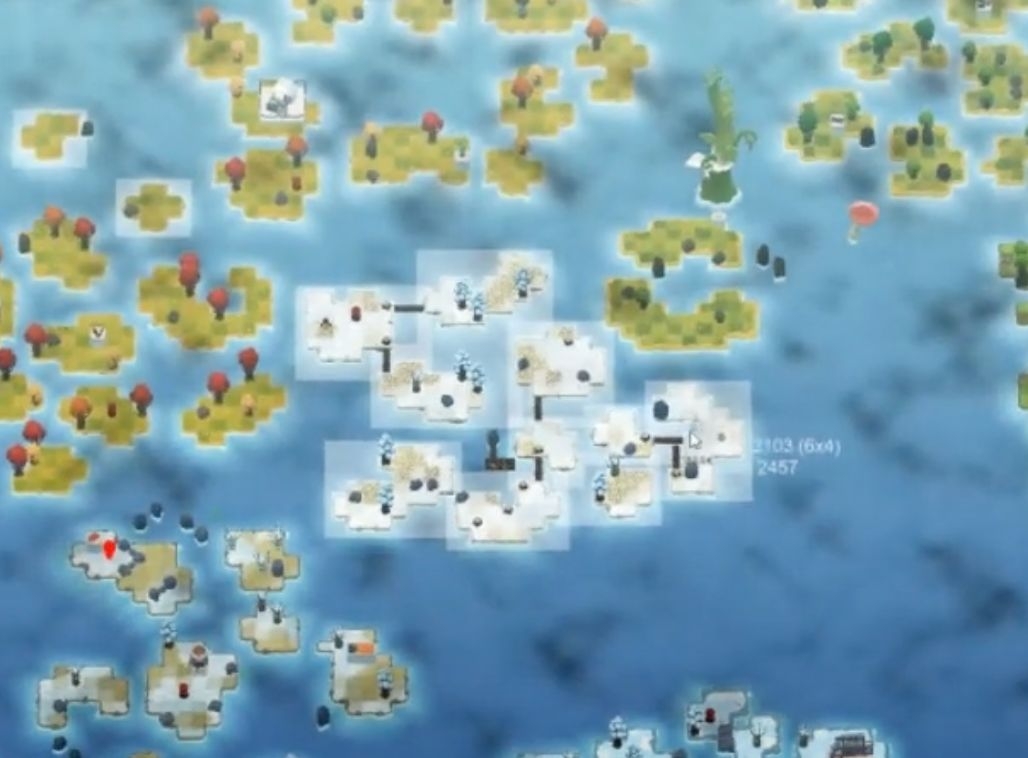
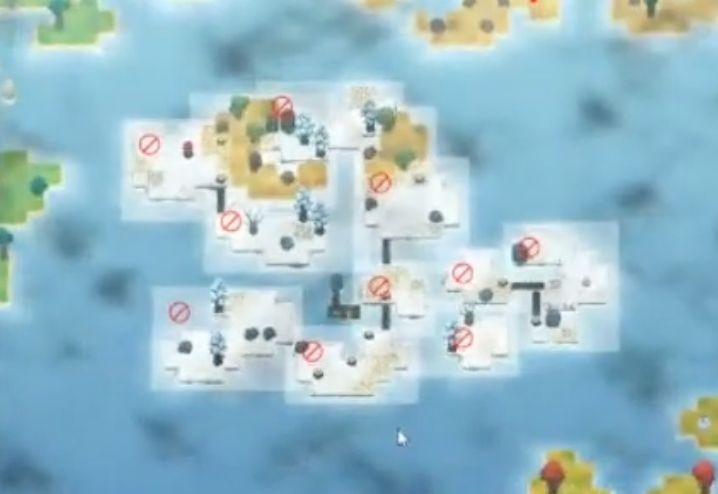
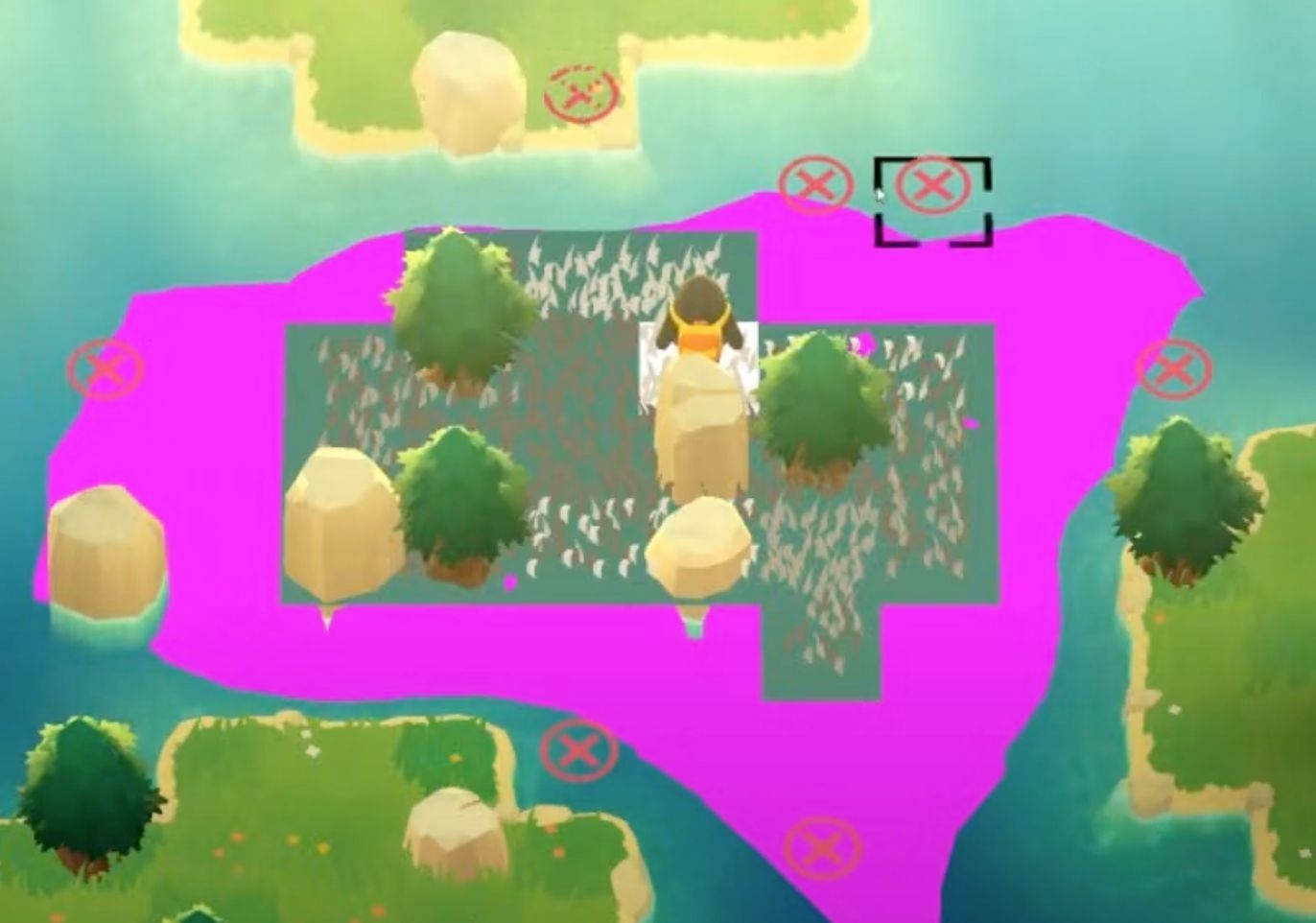
They also added collision markers
The developers provide an x marker to indicate places where they don't want blocks, since those could connect the islands.
Saving
After any changes, the map is only stored on disk in JSON format when you click Save/Save All. One benefit of JSON is that it's easy to track in git for version control. If you accidentally wreck a level, just roll it back.
Setting Themes
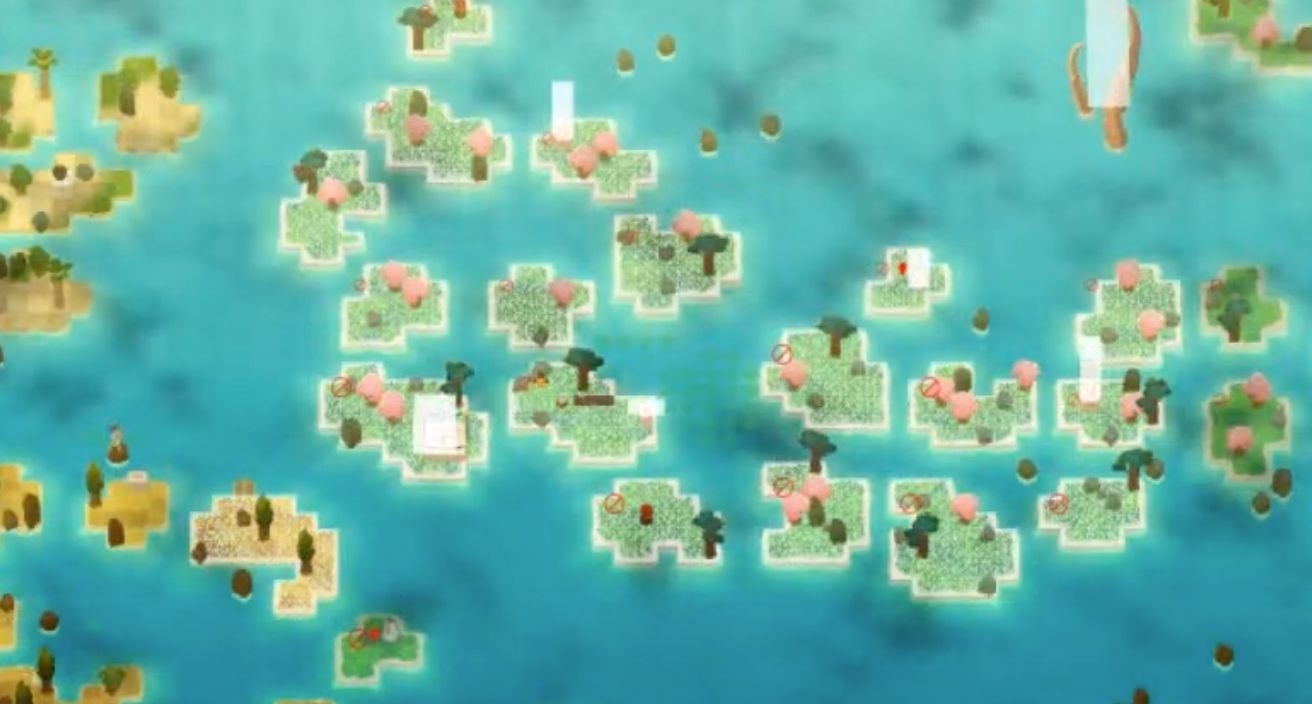
They set the visual themes of levels using their own Tags. Developers can drag to select a series of levels, then change their Tag to switch themes quickly.
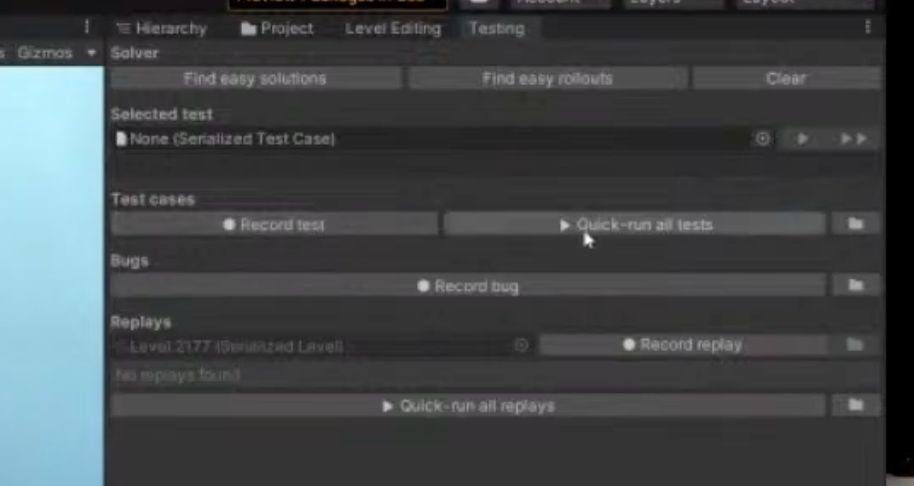
Replay Testing
They also developed a test mode that records player actions, stores them locally, and replays them when needed. This helps record solutions to puzzles. It also lets them test levels and cases in batches to make sure changes to mechanics haven't caused problems with the levels.